






Internal Rate of Return Formula: How to Calculate and Use IRR
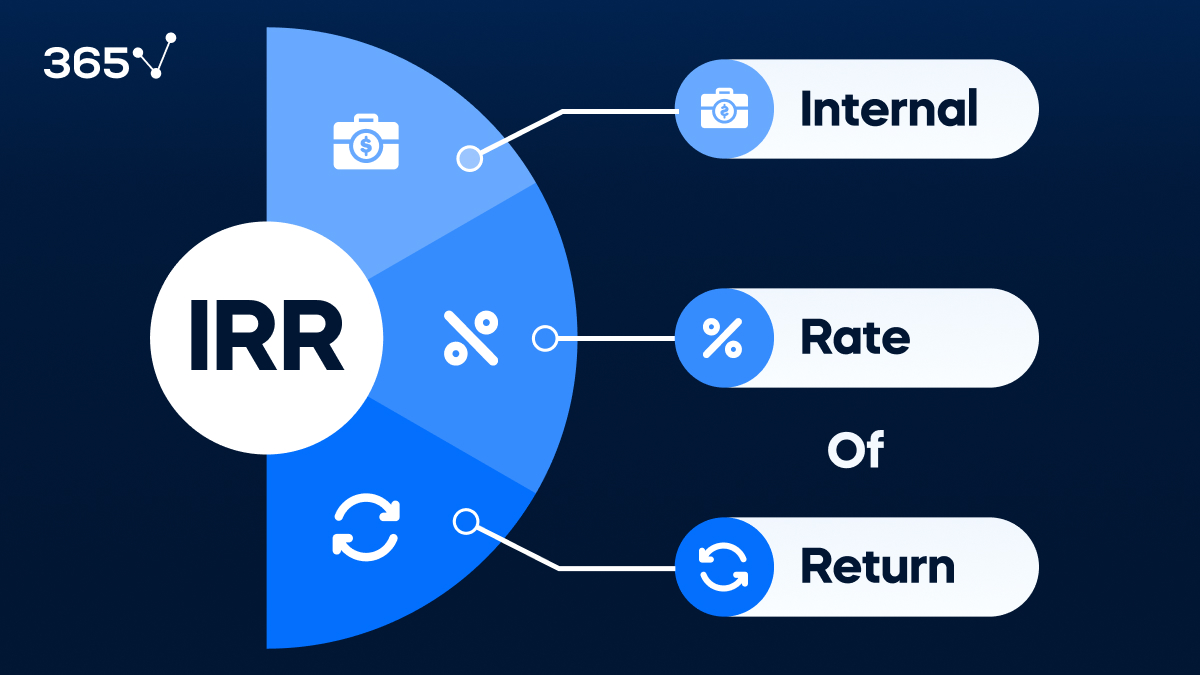
The internal rate of return formula finds the discount rate at which the net present value (NPV) of a series of cash flows equals zero. In plain English: it’s the annualized rate of return an investment is expected to generate. While the math behind it can be complex, involving the equation
$$0 = NPV = \sum_{t=1}^{T} \frac{C_t}{(1+IRR)^t} – C_0$$
, it is the go-to metric for corporations deciding which major projects to fund.
There is no simple closed-form algebraic solution to the IRR formula – it must be solved by trial and error (iteration) or using a financial calculator/spreadsheet. Here’s what the equation looks like:
0 = CF₀ + CF₁/(1+IRR)¹ + CF₂/(1+IRR)² + … + CFₙ/(1+IRR)ⁿ
Where:
- CF₀ = Initial investment (negative, since it’s a cash outflow)
- CF₁…CFₙ = Cash inflows in each period
- IRR = The rate that makes the entire equation equal to zero
- n = Number of periods
Breaking Down the Formula
The IRR formula is essentially the NPV formula rearranged – you’re setting NPV to zero and solving for the discount rate.
| Component | What It Represents |
|---|---|
| CF₀ | The upfront investment (usually negative) |
| CFₙ | Cash inflow or outflow in each future period |
| (1 + IRR)ⁿ | The discount factor for each period |
| n | Time period (year 1, year 2, etc.) |
Because IRR is embedded in the denominator, you cannot isolate it with algebra. You must either use interpolation or the =IRR() function in Excel.
Step-by-Step: Calculating IRR in Excel
The easiest way to calculate IRR is with Excel’s built-in function:
=IRR(values, [guess])
- values: The range containing your cash flows (starting with the initial investment as a negative number)
- guess: Optional starting estimate (default is 10%)
Example:
You invest $50,000 today and expect to receive:
- Year 1: $15,000
- Year 2: $18,000
- Year 3: $20,000
- Year 4: $16,000
| Year | Cash Flow |
|---|---|
| 0 | -$50,000 |
| 1 | +$15,000 |
| 2 | +$18,000 |
| 3 | +$20,000 |
| 4 | +$16,000 |
Excel formula: =IRR({-50000, 15000, 18000, 20000, 16000}) = approximately 13.2%
How to Interpret IRR

The IRR tells you the expected annual return on your investment. But the number only becomes meaningful when compared to a hurdle rate – the minimum acceptable rate of return (usually the cost of capital).
| Scenario | What It Means |
|---|---|
| IRR > Hurdle Rate | Accept the investment – it exceeds your minimum return requirement |
| IRR < Hurdle Rate | Reject the investment – doesn’t clear the minimum threshold |
| IRR = Hurdle Rate | Breakeven – neutral; other factors should drive the decision |
IRR vs NPV: Which Should You Use?
IRR and NPV are both discounted cash flow methods, but they’re used differently.
| Factor | IRR | NPV |
|---|---|---|
| Output | A percentage (rate of return) | A dollar amount |
| Best used for | Comparing multiple projects | Evaluating a single investment |
| Handles unconventional cash flows? | Can give multiple IRRs | Always gives one answer |
| Size of investment considered? | No | Yes |
| Preferred by | Capital budgeting analysts | Academic finance |
Important limitation: IRR assumes that interim cash flows are reinvested at the IRR rate itself – which is often unrealistic. Modified IRR (MIRR) addresses this by allowing you to specify a reinvestment rate separately.
When Multiple IRRs Occur
If a project has cash flows that switch from positive to negative more than once (called “non-conventional” cash flows), the IRR formula can produce multiple solutions – or none. In these cases, rely on NPV instead.
The Bottom Line
The internal rate of return formula is one of the most widely used tools in corporate finance and investment analysis. Calculate it in Excel using the =IRR() function, compare it to your hurdle rate, and use NPV alongside it for the most complete picture of an investment’s value.